YAML editing
Follow @goldskyio on Twitter to stay updated on everything we ship.
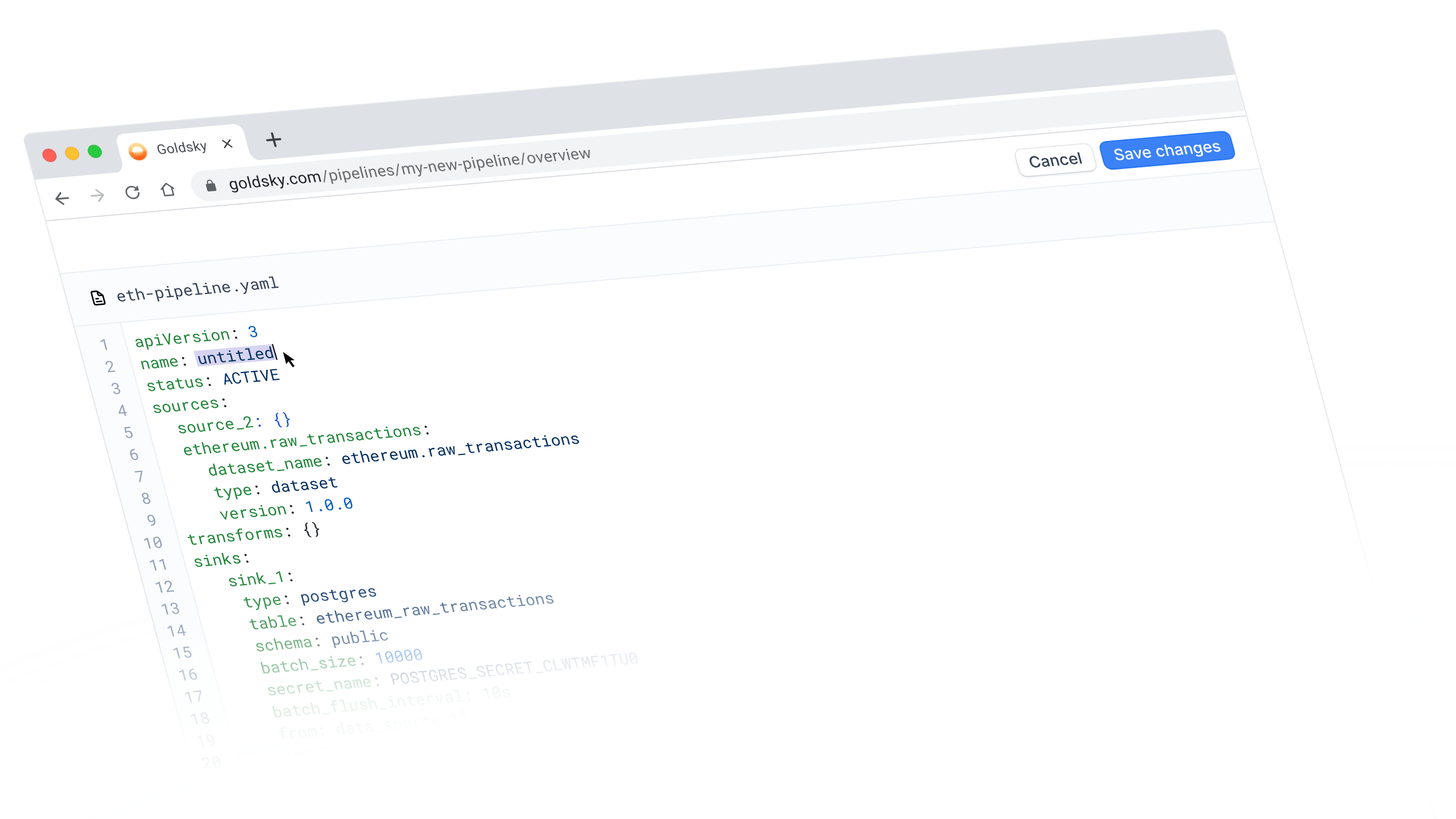
Sometimes the fastest way to configure a pipeline is to just write it.
The Goldsky Flow YAML view is now fully editable, meaning you can make changes directly without bouncing back and forth between different windows.
Bidirectional sync means you can work on pipelines however you want — CLI, visual editor, or YAML — and your changes will stay updated between them.
What's new
When you switch to the YAML view in Flow, you can now:
- Edit the YAML directly instead of just viewing it
- Save your changes, which will automatically sync with the visual canvas and CLI
- Deploy straight from YAML view without switching back to the editor
 Solana
 Polymarket
 Ethereum
 HyperEVM
 Plasma
 Tempo
Tempo Base
Base Bitcoin
 Polygon
 Unichain